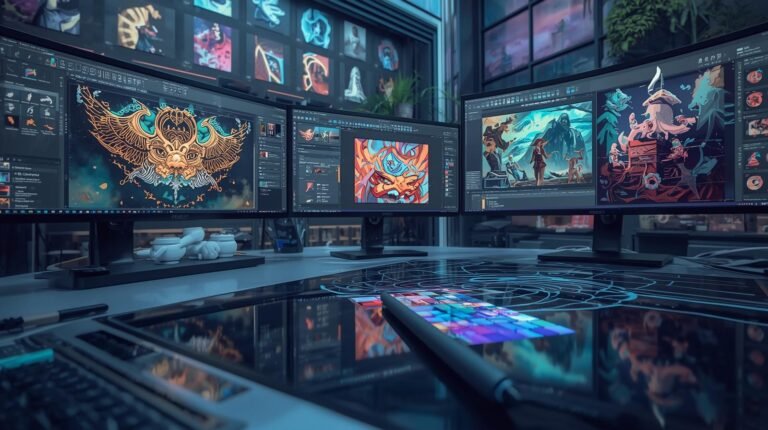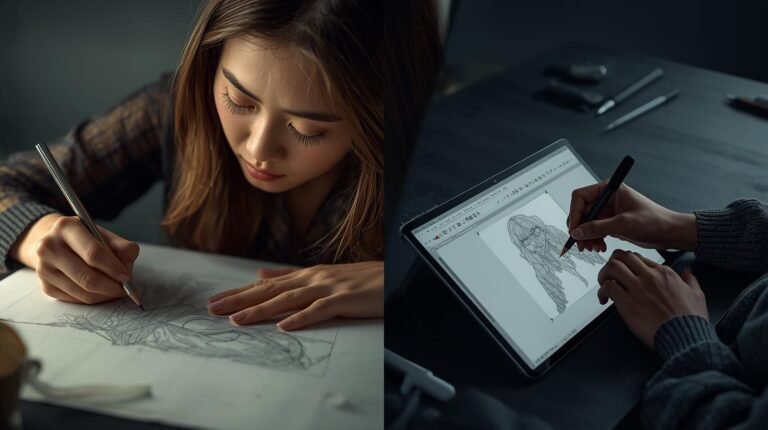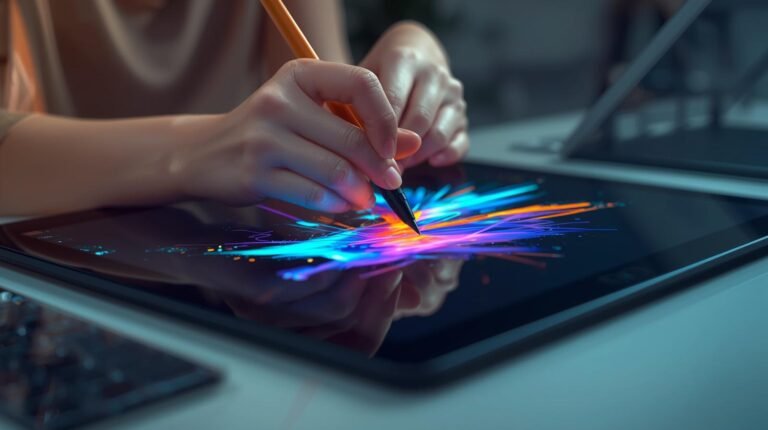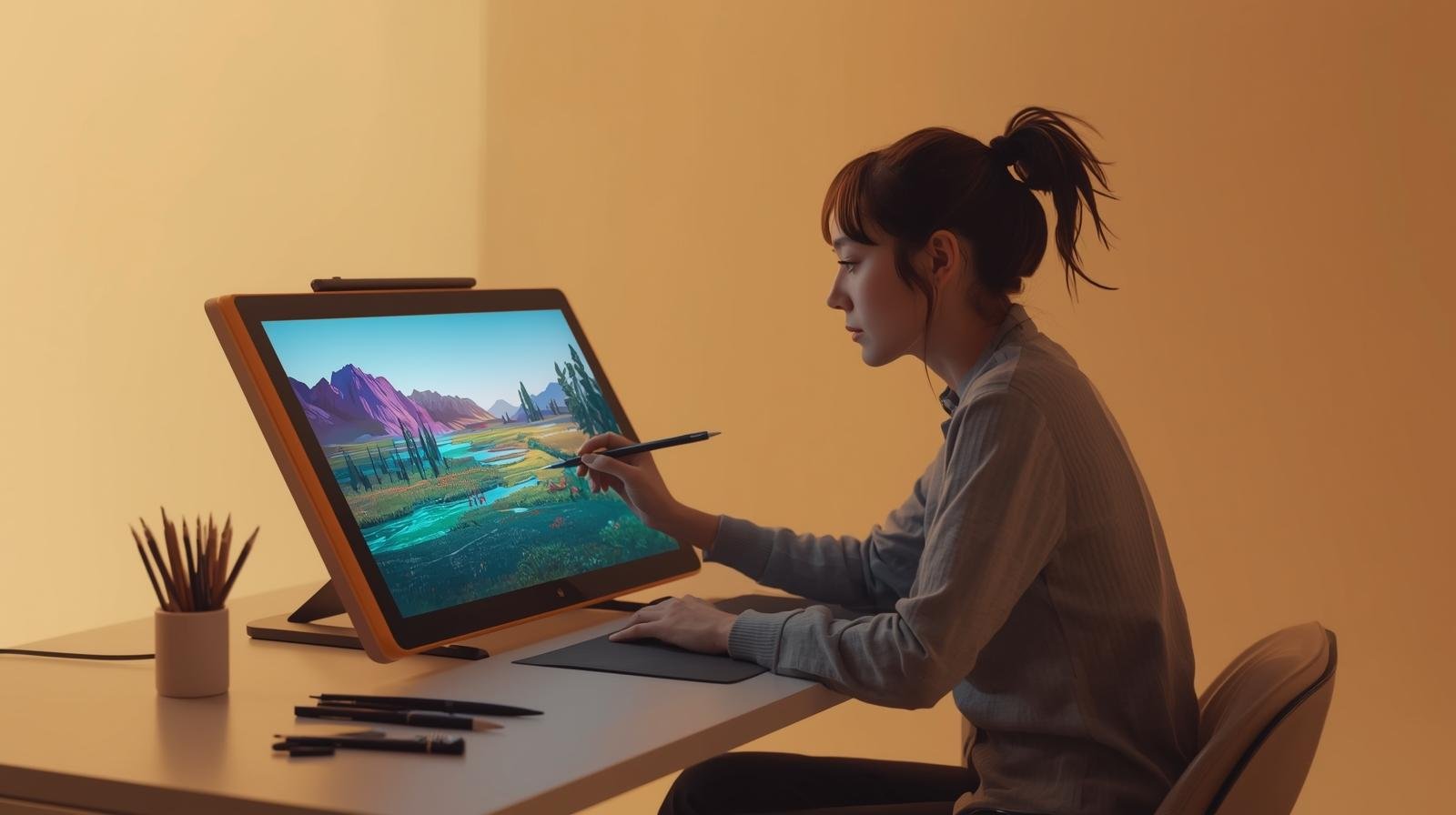
Digital painting allows artists to create images on a screen using software and digital tools instead of traditional materials. It combines creativity with technology, offering unique ways to experiment, edit, and layer colors. Beginners often face challenges understanding tools, digital layers, and brushes. A structured approach helps them gain confidence and develop skill.
Understanding Digital Painting
Digital painting uses a computer, tablet, or touchscreen device. Artists work with software that simulates traditional media, such as watercolor, oil, or acrylic. Unlike physical media, digital painting allows undoing actions, creating layers, and experimenting without waste.
Essential Tools for Beginners
Key tools include:
- Graphic tablet or touchscreen device: Provides control similar to a pen or brush.
- Stylus: Pressure-sensitive pen to vary line weight and opacity.
- Digital painting software: Programs like Photoshop, Krita, Procreate, or Clip Studio Paint.
- Computer or tablet: Device capable of handling software and rendering images.
- Reference materials: Images or sketches to guide composition and color.
Getting Started with Layers
Layers separate elements of a painting, such as background, midground, and foreground. Beginners should understand layer order, transparency, and blending modes. Using multiple layers prevents errors from affecting the entire painting.
Brushes and Settings
Digital brushes vary in shape, texture, and pressure sensitivity. Key concepts:
- Opacity: Controls transparency of brush strokes.
- Flow: Determines how paint spreads with continuous strokes.
- Size dynamics: Changes brush size with pressure.
- Custom brushes: Allow experimentation with textures and styles.
Experimentation helps beginners understand brush behavior.
Color Selection and Blending
Digital tools provide unlimited color palettes. Use color theory to create harmony. Digital painting allows soft blending, gradients, and easy adjustments. Testing colors on separate layers helps prevent mistakes.
Basic Techniques for Beginners
- Blocking shapes: Fill large areas with basic colors.
- Layering: Build depth using multiple layers.
- Shading and highlights: Add dimension with light and shadow.
- Detailing: Use smaller brushes for edges, texture, and patterns.
Practicing these techniques helps create structured artwork.
Saving and Exporting
Digital painting allows saving in multiple formats: editable files for future adjustments, or flattened images for sharing. Backing up files prevents loss of work.
Common Mistakes and Solutions
- Overcomplicating layers: Keep layers organized.
- Ignoring brush settings: Adjust opacity and size for realism.
- Skipping basic shapes: Start simple to maintain proportion.
Learning from mistakes builds stronger skill.
Practice Exercises
- Recreate a simple object digitally.
- Experiment with different brushes for texture.
- Layer a landscape from background to foreground.
- Apply shading using different opacity and blending modes.
Regular practice improves confidence and efficiency.
Observing Other Digital Artists
Analyze tutorials, speedpaints, or reference images. Notice layering, brush choices, and workflow. Observation informs learning without copying.
Final Thoughts
Digital painting combines creativity with tools. Beginners gain skill by understanding layers, brushes, colors, and workflow. Regular practice, observation, and patience allow gradual improvement. By following structured steps, artists can produce digital artwork that is organized, visually clear, and expressive.
About the Author